Fault diagnosis
An error that will not go away.
Some errors are the machine telling you about a consumable. Some are a sensor that thinks something is still wrong. A few are real hardware faults.
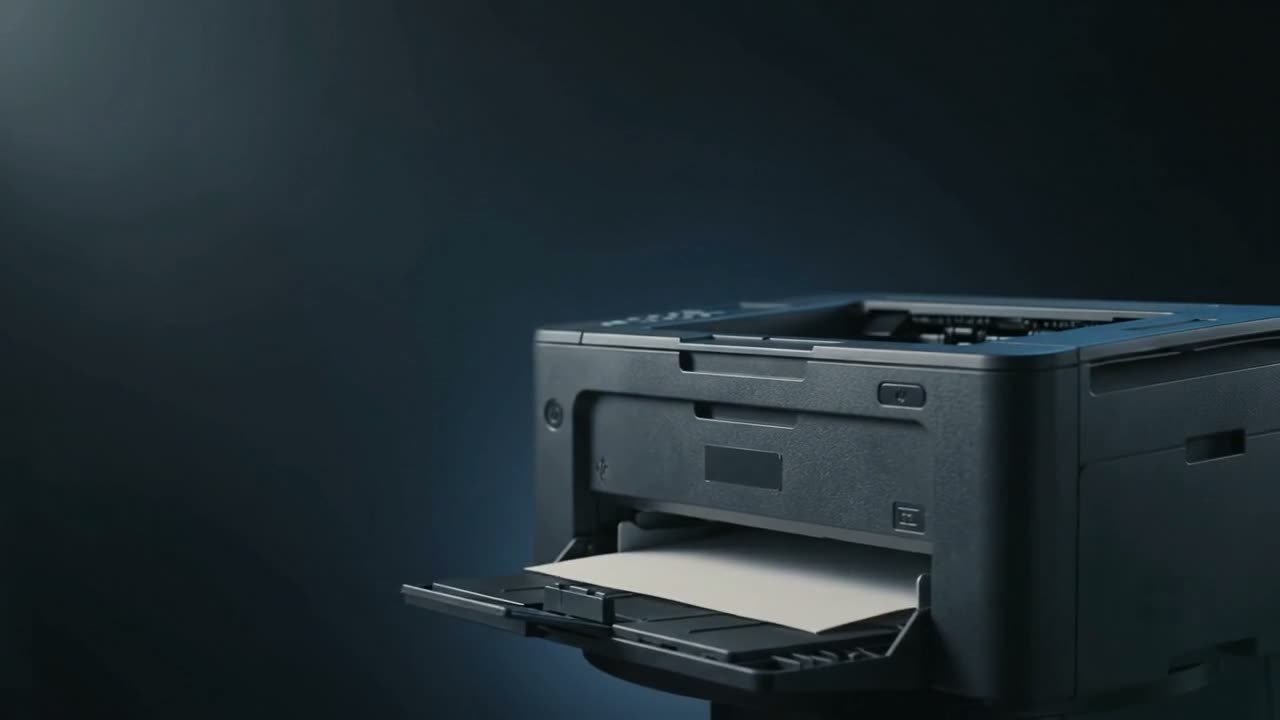
Start with a proper power cycle: switch off, unplug for a full minute, then power on. That clears transient errors that a quick off-on will not, because it drains residual charge and forces the sensors to re-read. If the error returns immediately, it is reporting a real condition — a cover switch, a jam sensor, a consumable, or a component fault.
Do the power cycle properly
Off, unplug at the wall, wait a full minute, plug back in, on. The wait matters — it lets capacitors discharge so the board and sensors genuinely restart rather than resuming.
This clears a surprising proportion of stuck errors, particularly after a jam.
Errors that persist for a reason
"Close cover" with the cover closed
A cover interlock switch. Either the switch has failed, or something is stopping the cover seating fully — often a cartridge not pushed all the way home. Reseat the cartridge and close the cover firmly.
"Paper jam" with no paper
A sensor flag stuck, or a fragment holding one down. Every sheet passes several flags; one held down means the machine still believes paper is in there. See paper jams.
Consumable warnings
Toner, drum, fuser, waste container. Usually counters — see toner low but full and drum error.
Inkjet waste pad or ink absorber full
Inkjets collect waste ink from cleaning cycles in an absorbent pad, and count what they have used. When the counter reaches its limit the machine stops, because an overflowing pad leaks ink inside. The pad needs replacing and the counter resetting — resetting the counter alone just moves the problem.
This is also why running endless head cleans is a bad idea: each one fills that pad.
Numeric service codes
A numbered error usually points at a specific subsystem — fuser, laser scanner, main motor, formatter. These are diagnostic rather than user-fixable. Note the exact code and mention it when you call; it saves real time.
Before you call
- Full power cycle, unplugged for a minute
- Open and close every cover, reseating the cartridge
- Check every paper path area for fragments
- Write down the exact code or light pattern
- Note whether it appears at power-on or only when printing
The exact code and when it appears are the two most useful things you can tell us.
Common questions
How do I hard reset a printer?
Switch it off, unplug it from the wall, wait a full minute, then plug in and power on. The wait lets residual charge drain so the board and sensors truly restart.
It says paper jam but there is no paper.
A sensor flag is stuck, or a fragment is holding one down. Check every access area carefully — the fragment is often small and under a roller.
My inkjet says the waste pad is full and will not print.
The absorber that collects waste ink from cleaning cycles has reached its counted limit. It needs replacing and the counter resetting — resetting alone risks ink leaking inside the machine.
Should I look up the error code myself?
By all means, but note it down either way. A numeric code usually identifies the subsystem, and telling us the exact code saves diagnostic time on the visit.
Tell us what it is doing.
Call and describe the make and the symptom — most jobs are done in a single visit, and we will tell you straight if it is not worth repairing.