Printer service & repair
Printer repair in Chennai, at your desk.
Twenty-five years of desktop and office printers — laser and inkjet, every major brand. Most faults we can narrow down before we arrive, and most are fixed in a single visit.
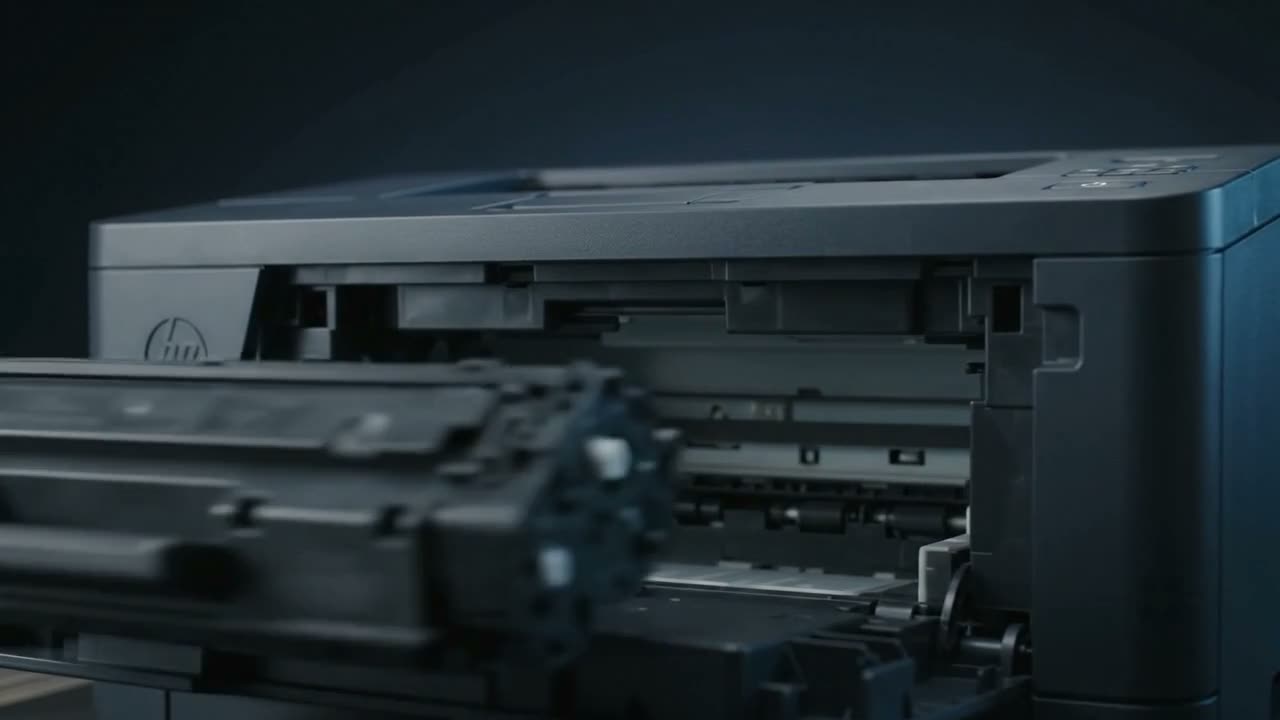
What we do: diagnose and repair desktop and office printers — laser and inkjet — across Chennai. Paper feed faults, print quality problems, drum and roller wear, fuser faults, network and driver issues, and full preventive servicing. We come to you, or the machine comes to the bench in Ayapakkam.
Start with the symptom, not the machine
Almost every printer fault announces itself in a specific way, and the way it fails usually tells you which part has gone. A page that fades on one side is a different problem from a page that fades all over. A jam that happens at the tray is a different part from a jam that happens at the fuser.
That matters because it decides whether this is a five-minute fix at your desk or a bench job. When you call, describing what the page looks like — or what the machine sounds like — gets you a straight answer much faster than the model number does.
What we see most
Paper feed
- Jams at the same point every time — usually a worn pickup roller or separation pad
- Multiple sheets pulled at once
- Paper skewing, creasing or coming out wrinkled
- Tray not detected, or "load paper" with a full tray
Print quality
- Faded or light output, overall or on one side
- Vertical lines and streaks, white or black
- Repeating marks at a regular interval down the page
- Toner that smudges or wipes off the paper
- Ghosting — a faint second image further down the sheet
- Blank pages, or colour missing entirely
Mechanical and electronic
- Grinding, clicking or squealing during the print cycle
- Drum, fuser and roller wear at end of life
- Error codes and warning lights that will not clear
- Printer offline, dropping off Wi-Fi, or not appearing after a Windows update
- Driver and spooler faults on a machine that is mechanically fine
How a visit works
- Call and describe it. The make, and what the page or the machine is doing. Most faults narrow to one or two causes on the phone.
- We come to you. On-call across Chennai, carrying the parts and consumables that account for the majority of faults.
- Fixed and test-printed. Nothing is called done until it has printed properly in front of you.
- Bench work if it needs it. Some jobs — fuser replacement, deep clean, board-level faults — need the workshop. We take it and bring it back.
Brands
HP, Canon, Epson, Brother, Samsung, Lexmark, Ricoh, Dell and most others. After twenty-five years the brand matters less than the mechanism: a pickup roller is a pickup roller, and the failure patterns repeat across manufacturers.
When repair is not the answer
Sometimes it isn't worth it. A machine whose fuser, drum and rollers are all at end of life at once, on a model whose parts are getting scarce, is usually money better spent elsewhere. We will say so. Twenty-five years of repeat customers is not built on talking people into repairs they shouldn't buy.
Common faults, diagnosed
Start here if you want to understand what your printer is doing before you call.
Common questions
Do you come to us, or do we bring the printer in?
Either. Doorstep service across Chennai is what most customers use, and the majority of faults are fixed on site. If it needs the bench — fuser work, a deep clean, a board fault — we take the machine and return it.
How quickly can someone come out?
It depends where you are and what the fault is. Call and we will tell you honestly rather than promise a slot we cannot keep. Areas closer to Ayapakkam are usually same day.
What does a repair cost?
It depends entirely on the fault, and quoting blind would be guessing. Call 92831 41595 and describe the symptom — we will give you a straight answer, including if the machine is not worth repairing.
Do you service printers still under warranty?
We can, but check your warranty terms first. Third-party service can affect manufacturer cover on some machines. If you are still in warranty it is often worth using it, and we will tell you that.
Can you fix a printer that is not recognised by the computer?
Usually, yes. A machine that prints a self-test page but will not print from Windows is almost always a driver, spooler, port or network problem rather than a hardware fault. That is a common call and often a quick one.
Tell us what it is doing.
Call and describe the make and the symptom — most jobs are done in a single visit, and we will tell you straight if it is not worth repairing.