Fault diagnosis
Grinding, clicking or squealing.
Printers are full of gears and rollers, and each kind of noise points somewhere different. Some can wait. One should stop you printing immediately.
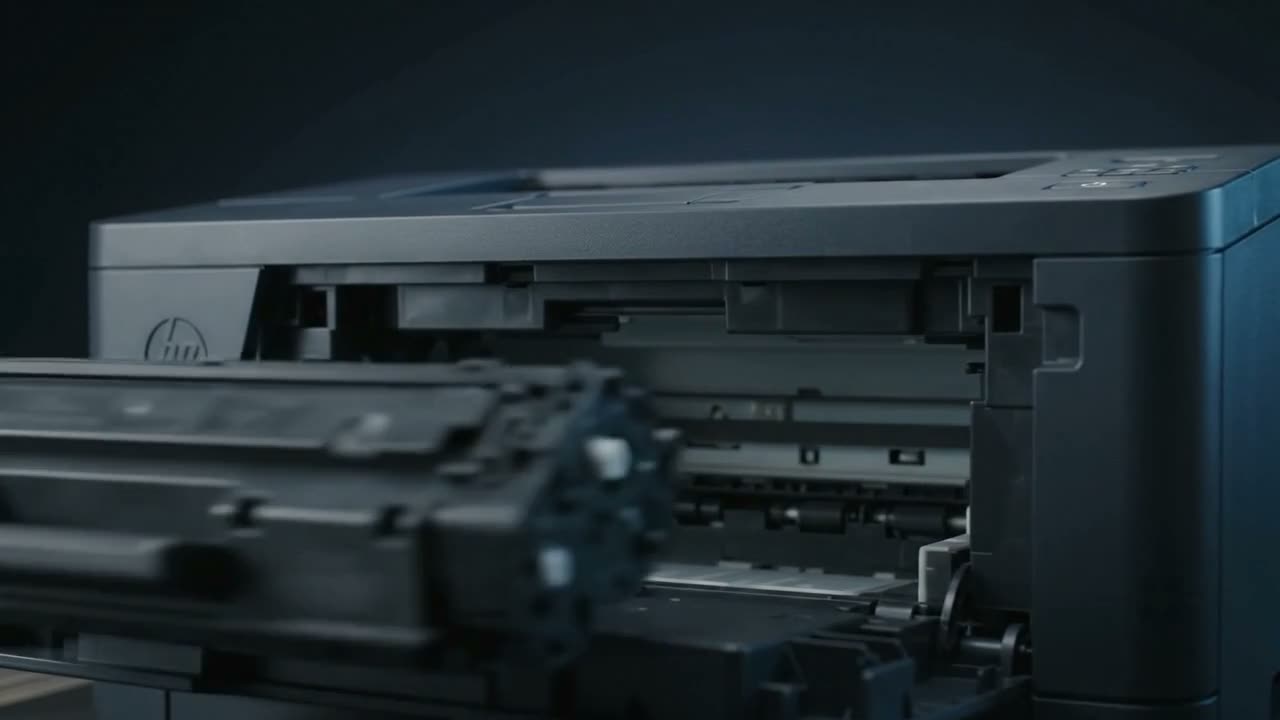
Grinding usually means a gear is worn or something is obstructing a moving part. Clicking is often a gear skipping teeth. Squealing tends to be a dry bearing or roller. A rattle is frequently something loose inside — a fragment of paper, or a broken piece of a part. Grinding that started suddenly should stop you printing until it is looked at.
What each noise tends to mean
Grinding
Gear teeth worn or stripped, or something jammed against a moving part. Plastic gears wear, and once one starts stripping it damages the ones it meshes with. Continuing to print turns a cheap gear into an expensive gear train.
Clicking, especially rhythmic
A gear skipping under load, a solenoid firing repeatedly, or a sensor flag catching. Rhythmic clicking that matches the print cycle is usually mechanical; irregular clicking is often a solenoid retrying.
Squealing or chirping
A dry bearing or a roller rubbing where it should turn freely. Often worse from cold and easing as the machine warms. Not immediately dangerous, but it is a bearing telling you it is finished.
Rattling
Something loose. A fragment of paper, a broken piece of plastic, or a spring that has come off. Worth finding before it reaches somewhere important.
Loud thunk at startup
Many machines run a mechanical self-check on power-up and are simply noisy about it. If it has always done it, it is normal.
When to stop
Stop printing if:
- The noise appeared suddenly and is grinding
- It gets louder each time you print
- It is accompanied by pages jamming or coming out damaged
- Anything smells hot
A stripped gear is a modest repair. A stripped gear that has been run for two weeks and taken the drive train with it is a different conversation.
What you can check safely
- Power off and look for paper fragments in the path
- Check the cartridge is seated correctly — a partly seated cartridge grinds
- Check nothing has fallen into a tray or slot
- Note when in the cycle it happens — at startup, while feeding, or as the page exits. That is genuinely useful information.
Do not remove covers to find the source. Feed rollers, the fuser and the drive train are all things that hurt.
Common questions
My printer is grinding — can I keep using it?
Not if it started suddenly or is getting worse. Grinding usually means a gear is stripping, and continuing damages the gears it meshes with. Stop and call.
It squeals when it starts but goes quiet.
Typically a dry bearing that quietens as it warms. Not urgent, but it is a bearing near the end of its life.
There is a rattle inside.
Something loose — often a paper fragment or a broken piece of plastic. Worth finding before it reaches the fuser or the drive train.
It always made a noise at startup.
Then it is almost certainly the machine's normal power-up self-check. A noise that has always been there is different from one that appeared.
Tell us what it is doing.
Call and describe the make and the symptom — most jobs are done in a single visit, and we will tell you straight if it is not worth repairing.