Fault diagnosis
"Replace drum" — is it actually finished?
Sometimes the drum is worn out. Sometimes it is a counter that has reached a number, or a wire that needs cleaning. The print quality tells you which.
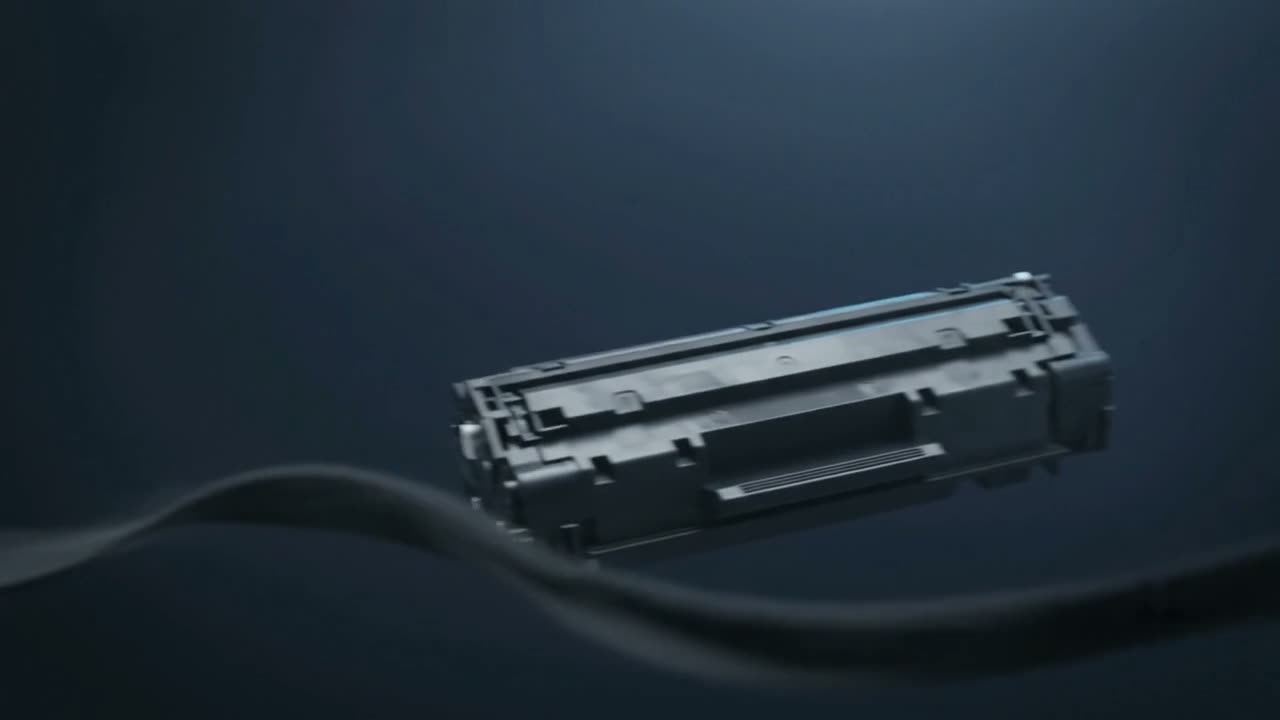
A drum warning is often a page counter reaching its limit rather than a measurement of wear. If print quality is still good, the drum may have life left. If you are seeing repeating marks, ghosting or patchy coverage, it is genuinely worn. On Brother machines in particular, a drum error frequently just means the corona wire needs cleaning with the slider.
What the drum does
The drum is the photosensitive cylinder the laser writes onto. It takes a charge, the laser discharges the parts that should carry toner, toner sticks to those areas, and it transfers to the paper. It is doing this thousands of times an hour, and its coating wears.
On many cartridges the drum is built in, so a new cartridge is a new drum. On others — Brother is the common example — the drum is a separate unit with its own life and its own counter.
Counter or real wear?
Look at the print, not the message.
- Print still clean — likely a counter. Many machines let you continue, and some allow a reset.
- Repeating marks down the page — real drum wear. Measure the repeat interval; see lines and streaks.
- Grey background or patchy coverage — the drum is losing its ability to hold charge evenly.
- Ghosting — a classic end-of-life drum symptom.
The corona wire
On machines with a separate drum unit there is usually a thin wire with a green slider tab. Toner dust settles on it and the charge goes uneven, which reads as a drum fault. Sliding the tab gently from end to end a few times cleans it, and that alone clears a good number of drum errors.
If your machine has that slider, try it before buying anything.
Handling drums
The drum surface is easily and permanently damaged:
- Never touch the shiny surface — fingerprints etch it
- Keep it out of direct light; strong light degrades the coating in minutes
- Never clean it with solvent or an abrasive cloth
- Do not leave it out of the machine longer than necessary
Most drums that arrive here damaged were damaged during a well-intentioned cleaning attempt.
Worth knowing
Drum life is quoted in pages, but real life depends on how you print. Lots of short jobs wear a drum faster than the same page count in long runs, because each job includes start-up cycles. A machine doing many one-page jobs will reach its drum warning sooner than the rated figure suggests.
Common questions
Does a drum warning mean I must replace it immediately?
Not always. It is often a page counter rather than a measurement. If print quality is still good, you may have life left — judge by the print, not the message.
How do I know if the drum is really worn?
Repeating marks at a regular interval, ghosting, grey background or patchy coverage. A clean page with a warning is usually just the counter.
What is the green slider on my Brother printer?
The corona wire cleaner. Slide it gently end to end a few times. Toner dust on that wire causes charge problems that look like a drum fault, and cleaning it clears a good number of drum errors.
Can I clean the drum surface?
No. It is easily and permanently damaged by fingers, solvents or abrasives, and by strong light. Most damaged drums we see were damaged during cleaning.
Tell us what it is doing.
Call and describe the make and the symptom — most jobs are done in a single visit, and we will tell you straight if it is not worth repairing.