Fault diagnosis
"Toner low" — but the cartridge is full.
Almost always the chip, not the toner. Most laser cartridges count pages rather than measuring what is left.
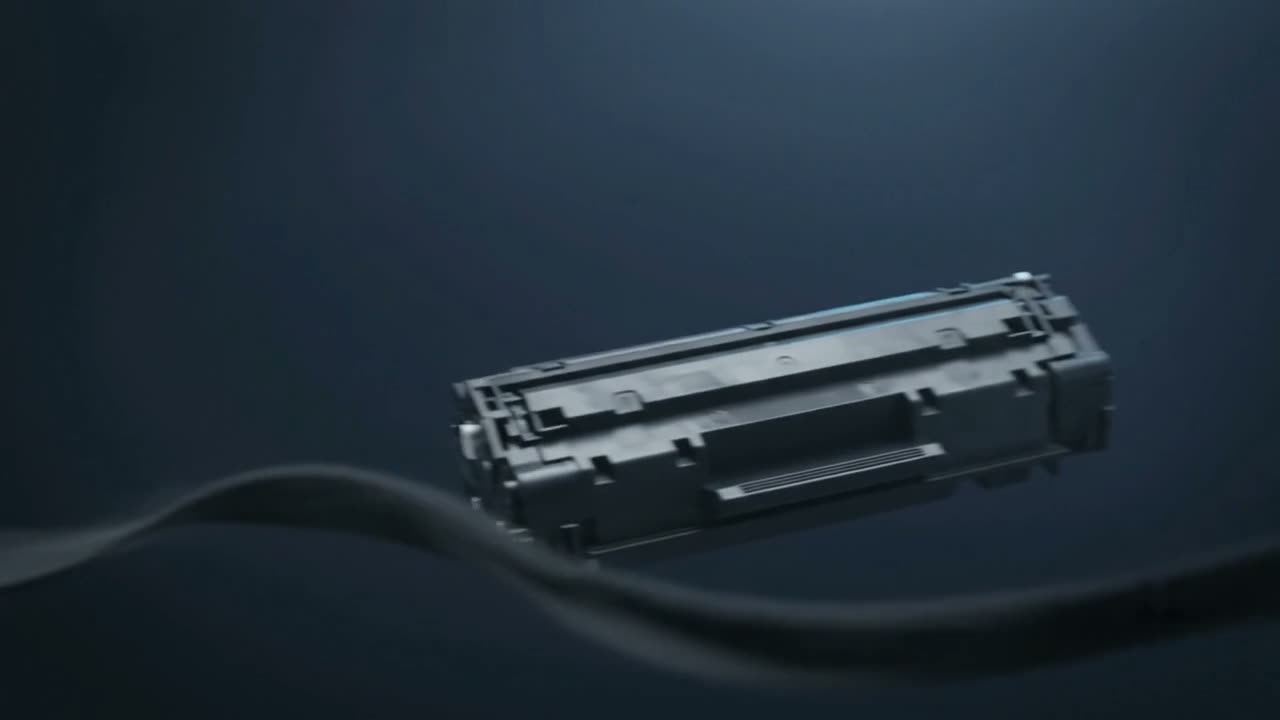
Most printers do not measure toner — they count pages. A chip on the cartridge tracks how many pages it has produced and reports empty when it reaches the rated figure, whatever is actually inside. After a refill that chip needs resetting or replacing, otherwise it keeps insisting the cartridge is empty.
Why it works this way
Measuring the powder left in a cartridge is difficult and expensive. Counting pages is trivial. So most machines estimate: the chip starts at the cartridge's rated yield, counts down, and declares empty at zero.
That estimate is calibrated on assumptions about page coverage. If you print light documents you will often have plenty of toner left when it says empty. If you print heavy graphics you may run out before it warns you.
After a refill
A refilled cartridge has fresh toner and a chip that still remembers being empty. Depending on the model:
- The chip can be reset — the counter goes back to full
- The chip must be replaced — a new one is fitted during the refill
- The machine allows an override — you can dismiss the warning and keep printing
All three are a normal part of refilling. If a refilled cartridge is nagging you, the refill did not include the chip step. That is fixable.
Can you just ignore it?
Often, yes. Many machines let you continue past the warning, sometimes after confirming a prompt. Some refuse to print until the cartridge is replaced or the chip reset — that is a deliberate design decision, not a fault.
What you lose by ignoring it is a useful warning: once you are past the counter, the machine can no longer tell you when it is genuinely running out, and you find out when the print goes pale.
When it really is low
If print quality is dropping at the same time — fading, patchy coverage, pale bands — then it is not just the chip. Take the cartridge out and rock it gently end to end; if quality returns for a while, the toner genuinely is near the end.
Worth knowing
A cartridge that reports empty very early, repeatedly, may have a chip mismatched to the cartridge — common with cheap compatibles where the chip was never matched to the actual fill. Worth mentioning when you call.
Common questions
Why does my printer say empty when the cartridge is heavy?
Because it is counting pages, not weighing toner. The chip reports empty at the cartridge's rated page count regardless of what is left inside.
Can I reset the chip myself?
On some models yes, through a panel sequence. On many, no — the chip needs a physical reset tool or replacing. Which one applies depends entirely on the cartridge.
Is it safe to keep printing past a toner-low warning?
Generally yes. Watch print quality rather than the warning: when pages start fading or going patchy, the toner is genuinely running out.
My refilled cartridge still says empty.
The chip was not reset or replaced during the refill. It is a standard part of refilling those models and it is fixable — bring it in.
Tell us what it is doing.
Call and describe the make and the symptom — most jobs are done in a single visit, and we will tell you straight if it is not worth repairing.