Brand service
HP printer repair, independently.
The most common make in Chennai offices, and the one with the most to know about cartridges.
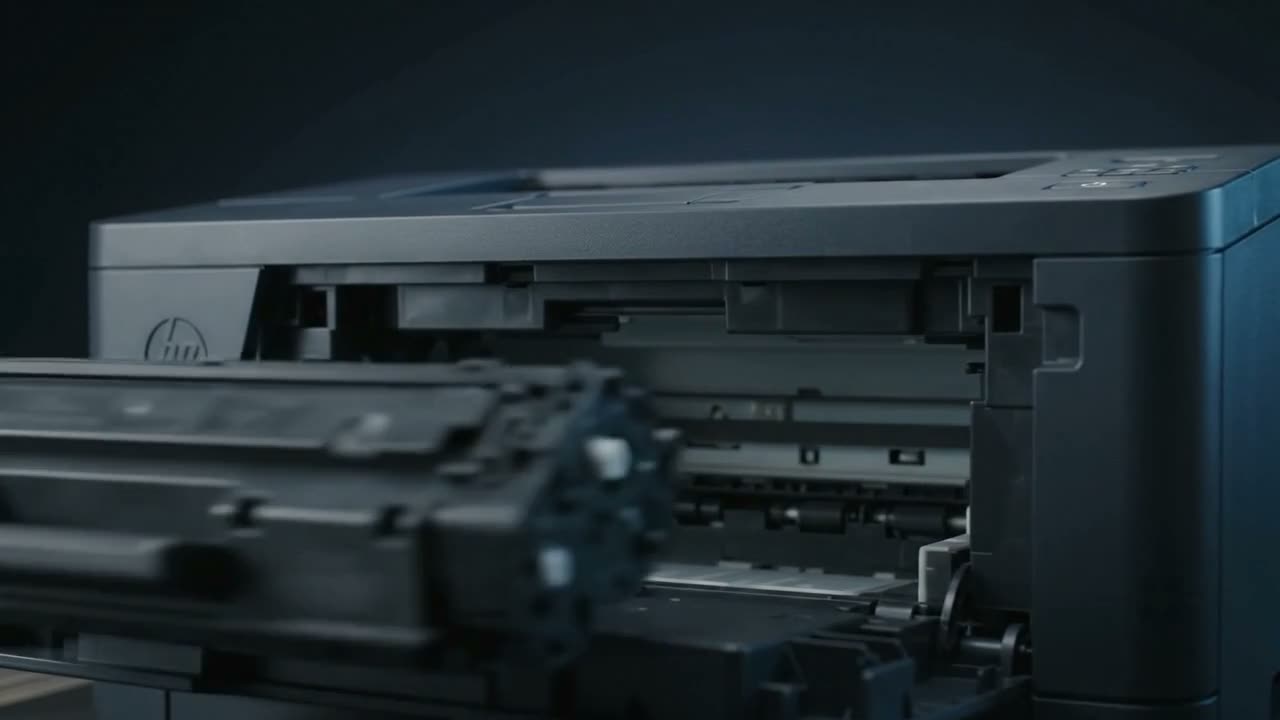
HP's most common desktop faults are pickup roller wear and cartridge recognition. Compact LaserJet machines feed reliably until the roller glazes, then jam persistently. On the cartridge side, HP firmware updates have repeatedly changed how strictly machines accept non-original cartridges — worth knowing before you refill, and worth checking if a cartridge suddenly stopped being accepted.
The ranges
- LaserJet — compact mono lasers through workgroup machines. Cartridge codes carry a number and letter, like 12A, 88A or 79A, with the letter roughly indicating capacity.
- OfficeJet — business inkjets, often all-in-one, with the printhead usually in the printer rather than the cartridge.
- DeskJet — home inkjets, frequently with the printhead built into the cartridge.
- Smart Tank — refillable-tank machines for volume printing.
That printhead distinction matters more than anything else on the inkjet side: where the head is in the cartridge, the cartridge has a genuine end of life no refill can fix.
What HP machines do
Pickup roller wear
By far the most common fault on compact LaserJets. The roller glazes with paper dust, loses grip, and the machine starts reporting no paper with a full tray or jamming at the same point every time. Inexpensive part, quick job. See paper jams.
Cartridge recognition and firmware
HP has issued firmware updates that change how machines treat non-original cartridges. A refilled or compatible cartridge that worked for months can stop being accepted after an automatic update. If that has happened to you it is not a fault with the cartridge, and it is worth knowing that automatic firmware updates can usually be turned off in the machine's settings.
We handle chips as part of refilling, but this is one area where it is worth a conversation about your specific model before assuming.
Fuser wear on higher-volume machines
Shows as toner that rubs off or repeating marks. A real repair rather than a consumable, and worth weighing against the machine's age.
Instant Ink complications
Machines on a subscription plan behave differently — cartridges are tied to the service, and a cancelled plan can stop them working. Not a hardware fault, and worth mentioning if a cartridge stopped for no obvious reason.
Refilling HP cartridges
Mono LaserJet cartridges refill well and repeatedly, provided the waste chamber is emptied and the wiper blade checked each time. The limit is the drum, which is inside the cartridge — see toner refilling.
Independent service. We are an independent repair and refilling workshop. We are not an authorised HP service centre and have no affiliation with HP. HP names and model numbers are used only to describe the machines we work on. If your printer is still under manufacturer warranty, it is usually worth using that first — and we will say so.
Common questions
Why did my refilled HP cartridge stop being accepted?
Most likely a firmware update changed how the machine treats non-original cartridges. It is not a fault with the cartridge. Automatic firmware updates can usually be disabled in the printer's settings.
My HP LaserJet says no paper but the tray is full.
Classic glazed pickup roller. The rubber has hardened and lost grip. Inexpensive part and a quick job.
Can HP toner cartridges be refilled?
Yes, and mono LaserJet cartridges refill well and repeatedly — as long as the waste chamber is emptied and the wiper blade checked each time. The drum inside the cartridge is what eventually limits it.
Are you an HP authorised service centre?
No. We are independent, with no affiliation to HP. If your printer is under warranty it is usually worth using that first.
HP printer giving trouble?
Call and describe the model and the symptom. Independent service across Chennai — and we will tell you straight if a machine is not worth repairing.