Fault diagnosis
Print that rubs off when you touch it.
If the image looks correct but smears under a finger, the toner was never bonded to the paper. That is the fuser.
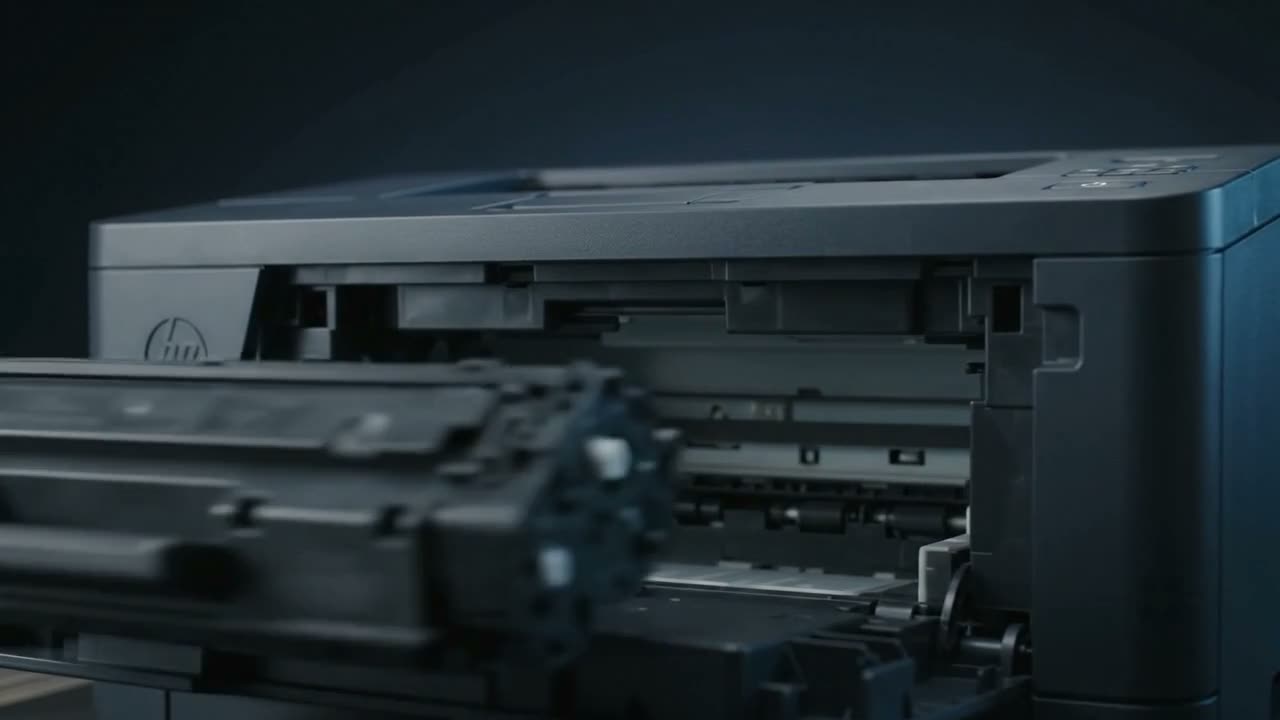
Toner that rubs off means it is not being fused. Laser printers bond toner to paper with heat and pressure; if the fuser is not reaching temperature, or its roller is worn or contaminated, the toner sits loose on the surface. Paper much heavier than the machine's setting expects causes the same thing, because it absorbs more heat.
How fusing works, briefly
Toner is a plastic powder. The image is laid on the paper electrostatically and is completely loose at that point — you could blow it off. The fuser then applies heat and pressure to melt it into the fibres. Everything about permanence happens in that last second.
So smearing is never a toner problem or a cartridge problem. It is always heat, pressure, or paper.
The causes
Fuser not reaching temperature
A failing heating element or thermistor. Often intermittent at first — fine when warm, smearing from cold, or the reverse.
Worn fuser roller or sleeve
The surface hardens and loses its non-stick coating with age. Usually accompanied by ghosting or marks repeating at the fuser's interval.
Paper too heavy for the setting
Card and heavy stock absorb more heat. If the driver thinks it is printing on plain paper, the fuser will not run hot enough. Setting the correct media type in the driver fixes this instantly, and it is worth checking before assuming a fault.
Damp paper
Moisture in the paper absorbs heat that should be melting toner. Another reason to keep reams sealed.
Wrong toner
Toner is formulated to melt at a specific temperature. A refill done with generic powder of the wrong grade will not fuse properly in that machine, however full the cartridge is. This is one of the clearest signs of a bad refill.
Stop printing
A fuser fault is worth taking seriously. Loose toner ends up through the paper path and inside the machine, and a fuser failing to regulate temperature is not something to run for days. If pages come out warm and smearing, stop and call.
What you can check
- The media type in the driver matches what is actually loaded
- A fresh ream from a sealed pack
- Whether it started right after a cartridge change — if so, suspect the toner grade
- Whether it improves once the machine is thoroughly warm
Common questions
Why does my printing smudge when I touch it?
The toner has not been fused into the paper. That is the fuser — not reaching temperature, or worn — or paper heavier or damper than the machine expects.
Can I replace a fuser myself?
It is not a user-serviceable part on most machines. It runs hot, sits deep in the paper path, and needs the right part for the exact model. This one is a bench job.
It only smudges on thick paper.
Then it is the media setting. Tell the driver you are printing on card or heavy stock and the fuser will run hotter and slower to suit.
It started right after I changed the cartridge.
Suspect the toner grade. Toner is formulated to melt at a specific temperature, and the wrong powder will not fuse properly. That points at how the cartridge was filled.
Tell us what it is doing.
Call and describe the make and the symptom — most jobs are done in a single visit, and we will tell you straight if it is not worth repairing.