Fault diagnosis
Printing at an angle.
Skewed output means the sheet is entering the machine crooked, or being pulled harder on one side than the other.
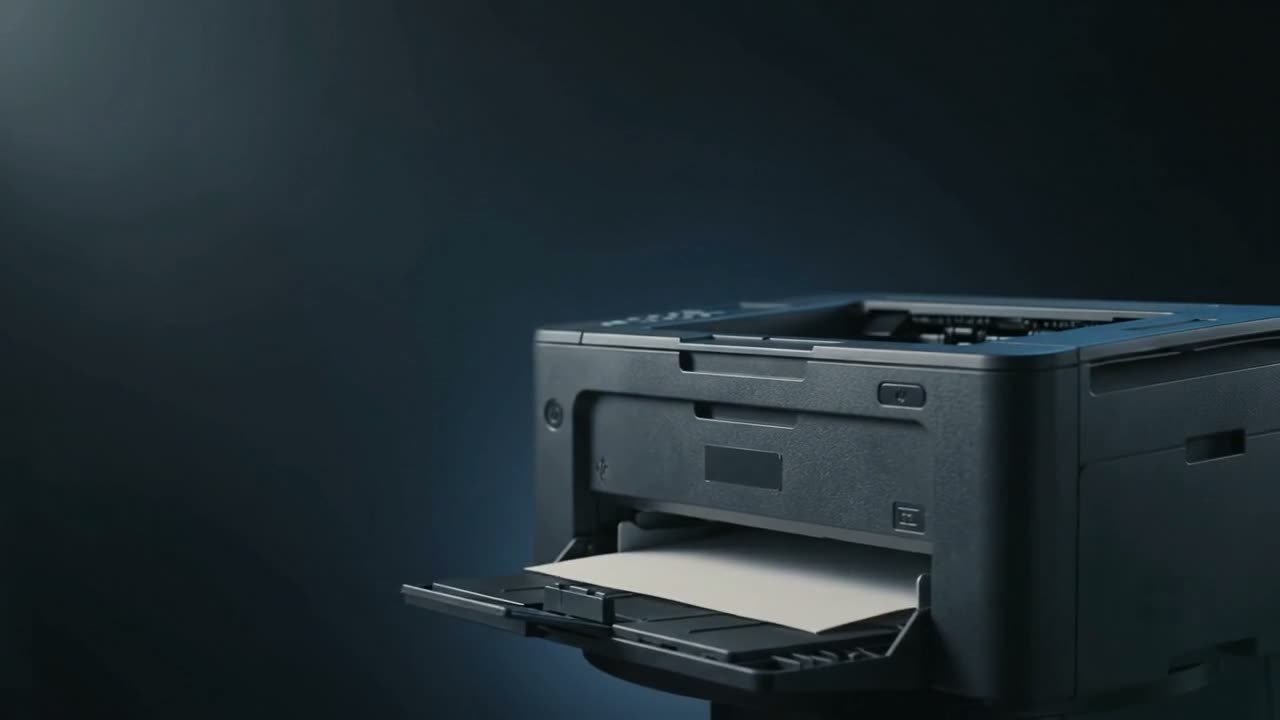
Crooked printing is almost always the paper entering crooked. Check the tray side guides are touching the stack without squeezing it — loose guides are the most common cause by a wide margin. If the guides are correct, a worn pickup roller gripping on one side only, or an obstruction in the path, will skew the sheet as it feeds.
Start with the tray
The side guides exist to keep the stack square to the feed direction. Too loose and the sheet wanders; too tight and it binds and skews the other way.
- Guides should touch the stack, not compress it
- Square the stack before loading — tap the edges on a flat surface
- Do not load above the maximum fill line
- Check the rear guide too, if there is one
This fixes most cases, and takes ten seconds.
If the tray is set correctly
Pickup roller worn unevenly
Where a machine has two pickup rollers on a shaft, one wearing faster grips harder and pulls that side through first. The sheet enters at an angle and everything downstream keeps it there.
Something in the path
Debris or a torn fragment deflecting one edge. Common after a jam that was cleared in a hurry.
Worn or damaged tray
Trays get dropped and guides get bent. A guide that no longer sits square will not hold paper square.
Multi-purpose tray
Manual and multi-purpose feed slots have shorter guides and less support. Skew is more common there, especially with heavy stock. Try the main tray to compare — that comparison alone tells you a lot.
When it is not the paper path
If the text is straight relative to the page edge but positioned wrongly — shifted up, down or sideways — that is margins or scaling in the driver, not skew. Check the page setup and any "fit to page" or scaling option before opening the machine.
What to try
- Reset the side guides so they touch without squeezing
- Square the stack and reload
- Try the other tray if the machine has one
- Try a fresh ream — curled paper feeds crooked
- Check the print is genuinely skewed rather than just offset
Common questions
Why is my printer printing at an angle?
The sheet is entering crooked. Nine times out of ten it is the tray side guides being too loose. Set them to touch the stack without squeezing.
The guides are set correctly and it still skews.
Then a pickup roller is likely gripping harder on one side, or something in the path is deflecting the sheet. Both need the machine opened.
It only skews from the manual feed slot.
Manual and multi-purpose trays have shorter guides and less support, so skew is more common there. Compare against the main tray.
The text is straight but sitting too low on the page.
That is not skew — it is margins or scaling in the driver. Check page setup and any fit-to-page option.
Tell us what it is doing.
Call and describe the make and the symptom — most jobs are done in a single visit, and we will tell you straight if it is not worth repairing.