Fault diagnosis
Pages coming out blank.
The machine sounds normal, the paper feeds through, and nothing is on it. There are four likely causes and they are easy to separate.
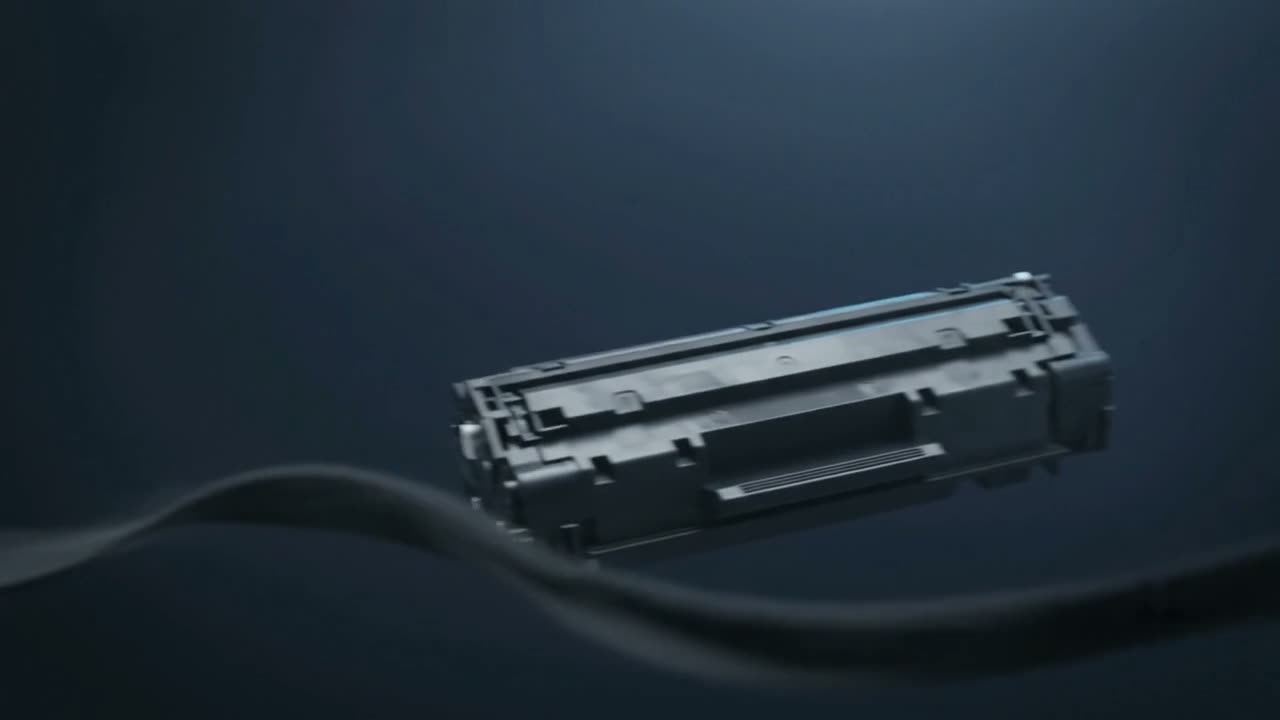
Blank pages from a new cartridge usually mean the sealing tape was never removed. Otherwise: the toner or ink is genuinely empty, the cartridge is not making contact, an inkjet printhead has dried completely, or the file being sent is blank. Print the machine's own self-test page — if that prints, the fault is in the computer, not the printer.
Do the self-test first
Print the configuration or self-test page from the printer's own panel, not from the computer. It takes seconds and splits the problem in half.
- Self-test prints — the printer and cartridge are fine. The problem is the driver, the application or the file.
- Self-test is also blank — it is the printer or the cartridge.
If the self-test is blank
The sealing tape
New cartridges ship with a plastic strip sealing the toner hopper, and it has to be pulled out before the cartridge will print anything at all. It is the single most common cause of blank pages after a cartridge change, and there is no shame in it — the tab is often tucked away where you would not look.
Genuinely empty
Some machines keep printing blank rather than refusing, particularly with a chip that has been reset. Rock the cartridge and see if anything comes back.
Cartridge not seating or making contact
Take it out and refit it firmly. Check the metal contacts on the cartridge and inside the machine for toner dust or corrosion — a poor contact means no charge, and no charge means no image.
The drum protective sheet
Some cartridges also have a shield over the drum. Left on, it prints blank.
On an inkjet
A completely blank inkjet page is usually a printhead that has dried out entirely rather than partially. Run a nozzle check — if nothing at all prints, that is a full clog rather than the partial one that causes fading.
One or two clean cycles are worth trying. More than that is pouring ink into the waste pad. See clogged nozzles, or no ink after a refill if this started after refilling.
If the self-test prints but your document does not
- Check the document really has content on the page you are printing
- Check you are not printing a page range that is genuinely blank
- Try printing from a different application — a browser is a good test
- Reinstall or update the driver; a corrupted driver can send an empty job
- Check for "print as image" or overlay settings that are misbehaving
Common questions
My new toner cartridge prints blank pages.
Almost always the sealing tape still in place. Take the cartridge out and look for a plastic tab — it needs pulling all the way out. Some cartridges also have a separate shield over the drum.
The printer sounds like it is working but nothing appears.
The paper path is fine, so the fault is in imaging — no toner reaching the page, or no charge reaching the cartridge. Check the cartridge is seated and its contacts are clean.
Half my page prints and the rest is blank.
That is different — usually a memory limitation on a complex page, or toner running out mid-page. Try a simpler document to see which.
Should I keep running inkjet head cleans until it prints?
No. Each cycle uses a significant amount of ink and a fully dried head will not clear that way. Two cycles is the sensible limit before it needs proper attention.
Tell us what it is doing.
Call and describe the make and the symptom — most jobs are done in a single visit, and we will tell you straight if it is not worth repairing.