Fault diagnosis
Colours not coming out right.
Colour problems split into two kinds: a channel that is not printing, and a channel that is printing but wrong. They have different causes.
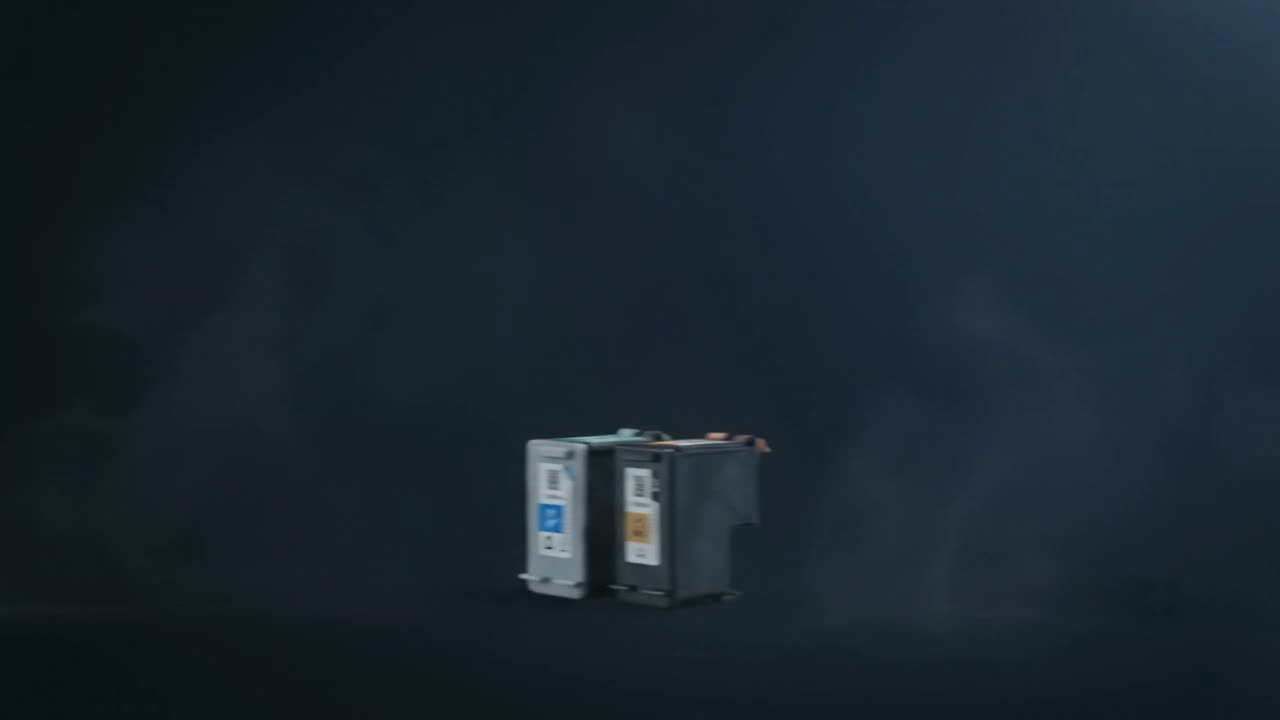
A colour cast usually means one channel is weak or missing — a low cartridge or a clogged nozzle set. A print that is simply not matching your screen is usually colour management rather than a fault: screens emit light and paper reflects it, so they will never match exactly without calibration. Start with a nozzle check or the printer's own colour calibration.
One channel missing or weak
If everything has a cast — too pink, too green, too blue — a channel is under-delivering. The cast tells you which:
- Too red or pink — cyan is weak
- Too green — magenta is weak
- Too blue or purple — yellow is weak
Run a nozzle check on an inkjet, or check the individual cartridges on a laser. Yellow is easiest to miss because it is the least visible when printing normally.
Colour laser specifics
- Registration out — colours misaligned by a fraction, giving fringes on edges. Most machines have an alignment or registration routine; run it.
- Calibration drift — colour balance moves with temperature, humidity and cartridge age. Run the machine's calibration.
- A transfer belt at end of life — usually with other symptoms as well.
When it is not a fault
Print will never match a screen exactly. A monitor emits light and can produce colours paper cannot reflect — bright saturated blues and greens especially. A print that looks duller than the screen is normal, not broken.
Things that genuinely help:
- Set the correct paper type in the driver — this changes how much ink is laid down and is the single biggest factor
- Use the printer's own colour profile rather than a generic one
- Do not let both the application and the driver manage colour; pick one
- Judge prints in daylight, not under warm indoor lighting
Muddy or dark output
Often too much ink for the paper — printing a photo setting onto plain paper. Correcting the media type usually fixes it immediately.
Common questions
Why do my prints look different from my screen?
Screens emit light, paper reflects it, so some screen colours simply cannot be reproduced on paper. Setting the right paper type and using the printer's own profile closes most of the gap.
Everything prints with a pink cast.
Cyan is weak or missing. Run a nozzle check on an inkjet, or check the cyan cartridge on a laser.
Colours are slightly offset from each other.
Colour registration on a colour laser. Run the machine's registration or alignment routine — most have one in the maintenance menu.
My prints are too dark and muddy.
Usually too much ink for the paper — a photo setting on plain paper. Correct the media type in the driver.
Tell us what it is doing.
Call and describe the make and the symptom — most jobs are done in a single visit, and we will tell you straight if it is not worth repairing.